
English
Debugging and common mistakes
Debugging and common mistakes
When debugging asynchronous code, the Call Stack window shows only the current thread. Visual Studio 2026 has two special windows (https://learn.microsoft.com/visualstudio/debugger/using-the-tasks-window):
- Debug → Windows → Tasks (available after stopping at a breakpoint)—a table of tasks with the columns ID, Status (Scheduled, Active, Blocked, Awaiting, Deadlocked), Start Time, Duration, Location, and Task (Fig. 5.10);
- Debug → Windows → Parallel Stacks in Tasks mode—a graph of asynchronous call stacks: you can see which method is waiting at which
await(Fig. 5.11) (https://learn.microsoft.com/visualstudio/debugger/using-the-parallel-stacks-window).
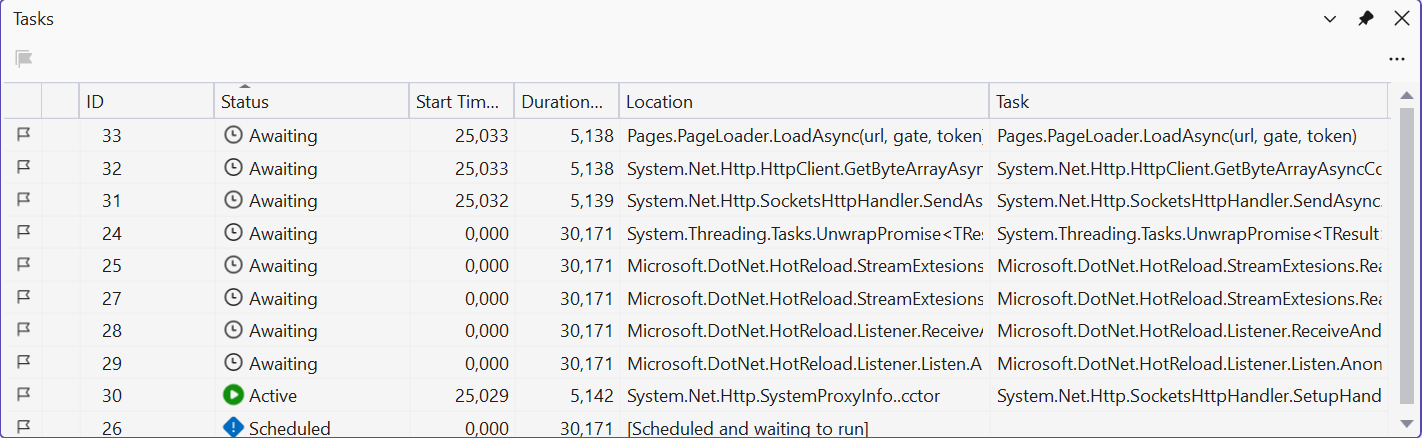
Figure 5.10. The Tasks window during debugging
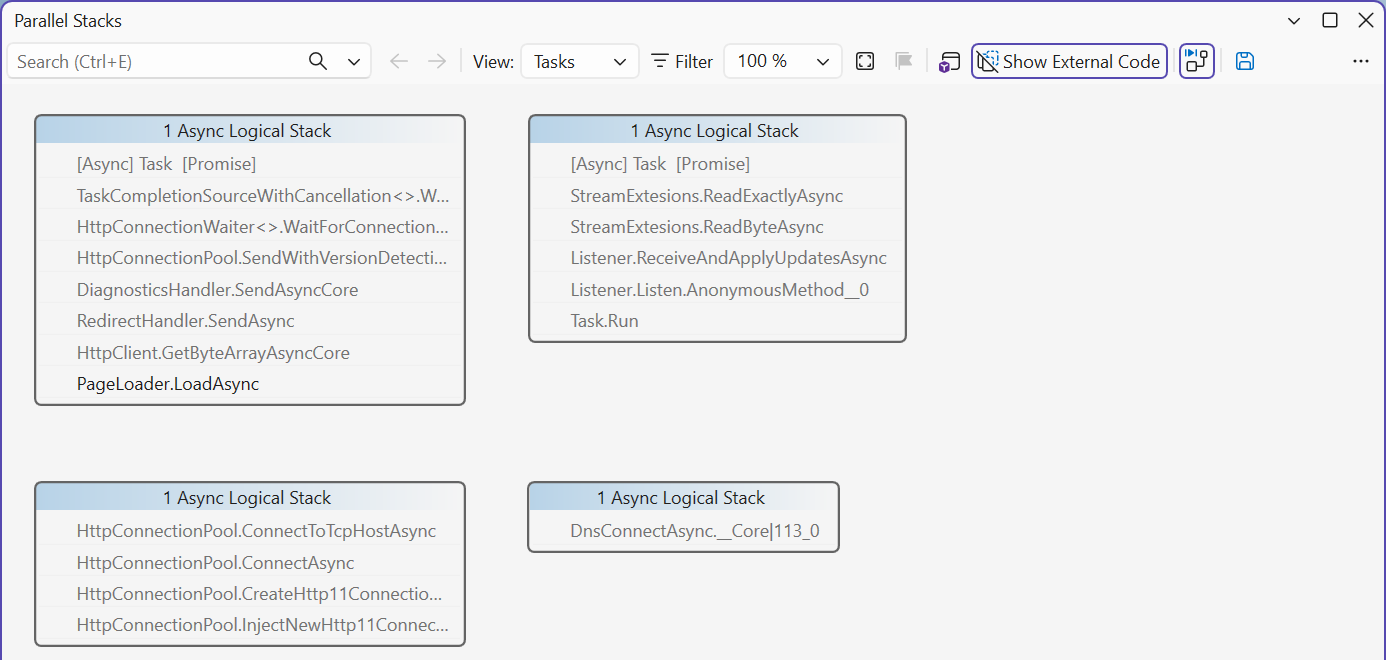
Figure 5.11. The Parallel Stacks window in Tasks mode
The mistakes made most often when writing asynchronous code are listed in Table 5.3.
Table 5.3. Common mistakes in asynchronous programming
| Problem | Cause | Fix |
|---|---|---|
| the window is "Not Responding" during an operation | long synchronous work in a handler | await an asynchronous method or await Task.Run(…) |
| the window freezes forever | .Result or .Wait() on the UI thread (deadlock) | an async handler and await |
InvalidOperationException: Cross-thread operation not valid | accessing a control inside Task.Run or after ConfigureAwait(false) | return the result from the task, IProgress<T>, InvokeAsync |
| the operation was started twice | the button was not disabled during the operation (reentrancy) | Enabled = false, restored in finally |
| an exception was not caught, and the application exited | async void outside an event handler, a forgotten await (CS4014) | return Task, wait with await, try/catch in the handler |
| the Cancel button does not stop the operation | the token was not passed to calls or is not checked in the loop | pass the token on, ThrowIfCancellationRequested |
| the progress indicator jumps or slows down the interface | Report is called thousands of times per second | report less often: every file, every percent |