
English
Every lecture now has slides
Until now the courses on this site were pages to read. Reading is how you study, but a lecture is something you watch and listen to, and for that I wanted proper slides. So every topic of three courses now has its own deck, built right into the site:
- Object-oriented programming in C#: 18 decks, one per topic;
- Object-oriented programming in C# (GUI): 16 decks;
- Parallel and distributed computing: 18 decks;
- Chatex: one deck for the whole course, from the architecture to the Ubuntu server;
- Object-oriented programming in C++: a first deck for topic 1, with more to come.
That is 54 decks in total. They run in the browser, so there is nothing to install or download.
One deck, one lecture
A deck is one 80-minute lecture in 45–60 slides. It opens with the goals and an outline, then goes through four to six parts that follow the chapters of the topic page, and closes with conclusions, self-check questions and a link to the code examples on GitHub.
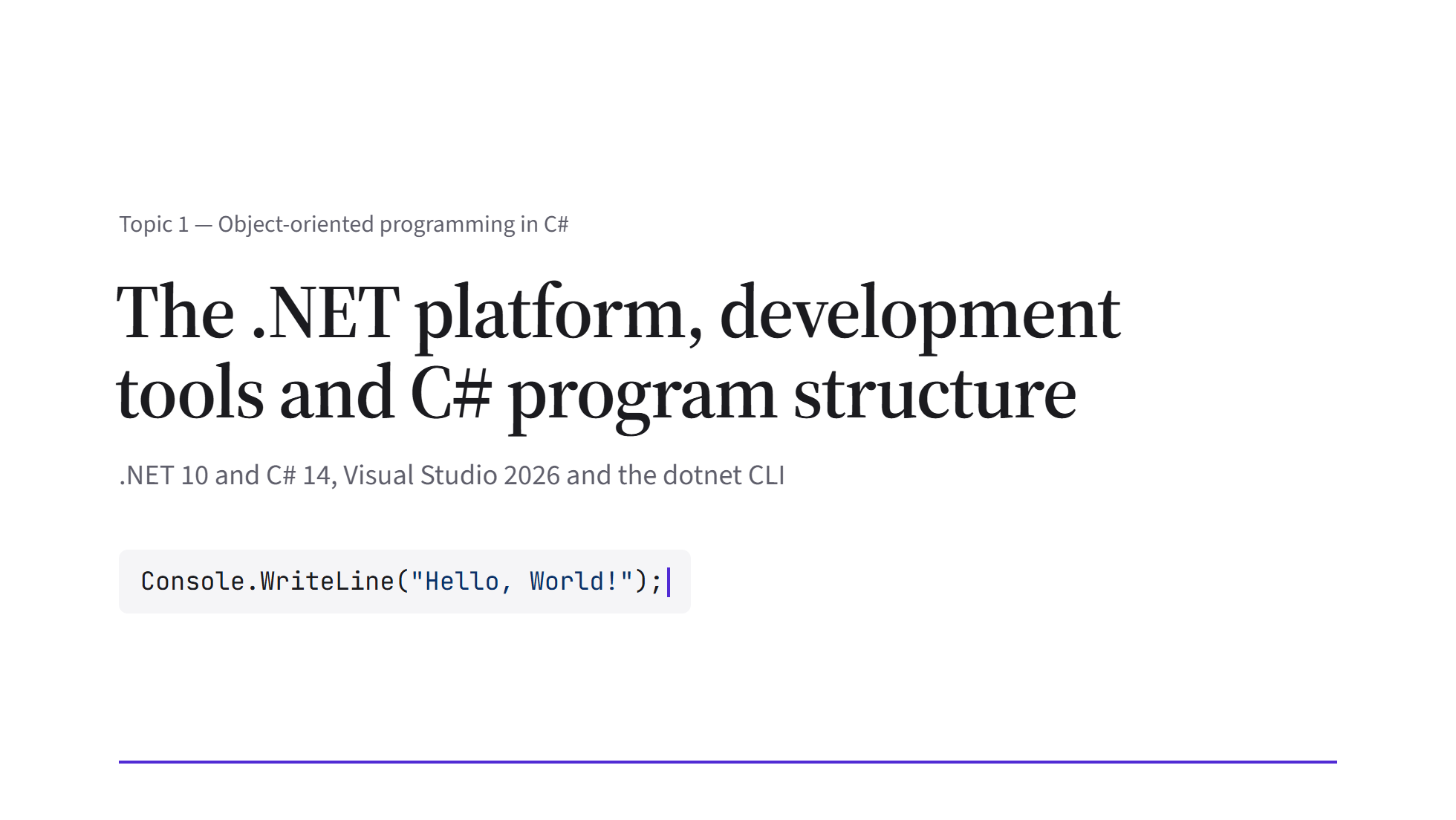
The cover of the first C# lecture: the line of code under the title types itself in.
The look is deliberately quiet, like a textbook: serif headings, a white page and the course colour used only where it means something, on key terms, code and numbers. No slide has text smaller than 14 pixels, so a deck stays readable when it is shared in Google Meet, and the fonts are bundled, so it works without an internet connection too.
Small moments, not decoration
Each slide has at most one thing that moves, and it always shows the content: a line of code lights up as the lecture talks about it, a listing turns into its next version, a mistake gets a red wavy underline. About once per part there is a small playful moment: a question for the audience, or the output of a program that types itself into a terminal.
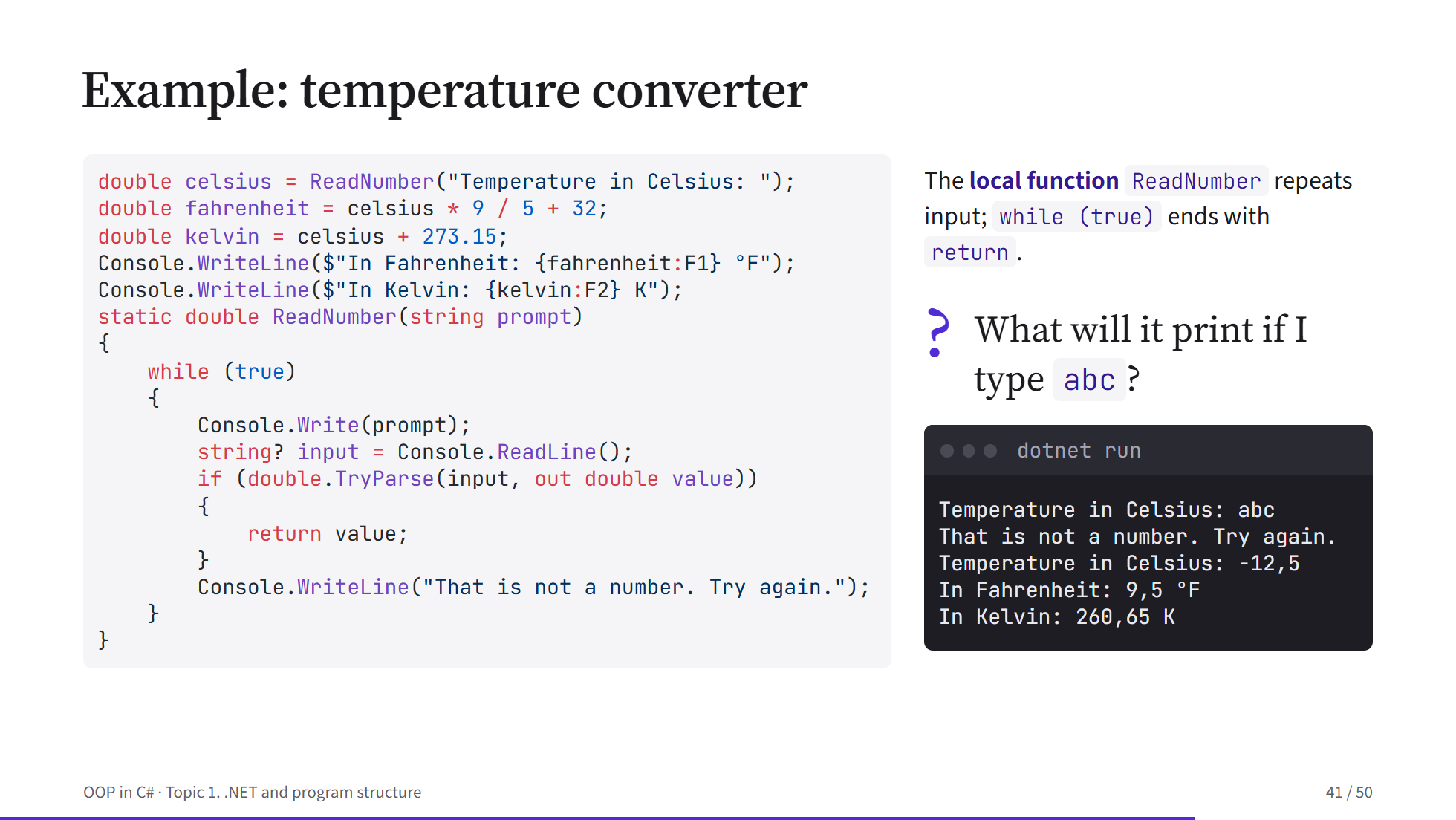
The temperature converter: first the question «What will it print if I type abc?», then the answer in the terminal.
Diagrams are drawn on the slide too, so the architecture of a system fits on one screen:
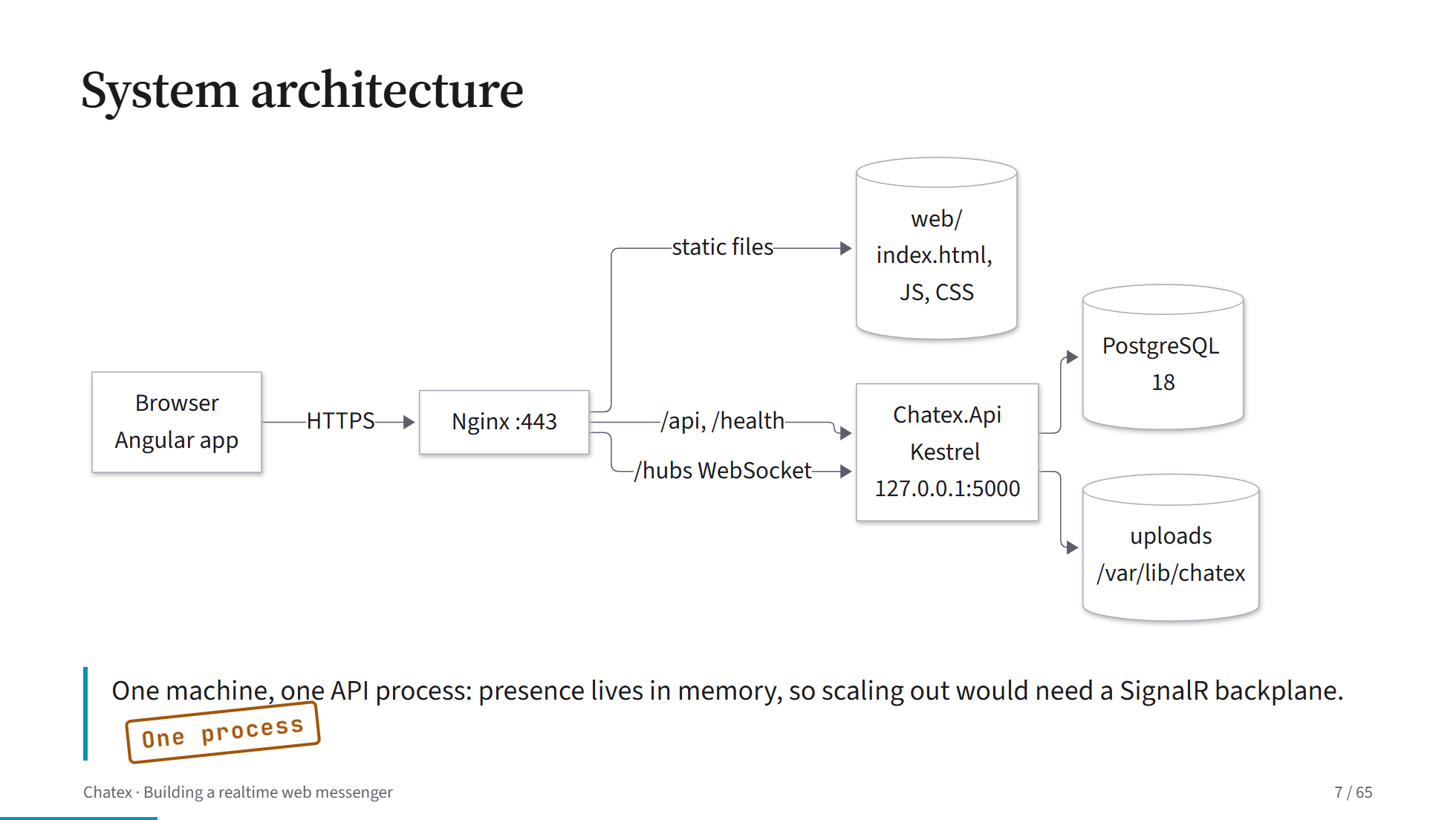
The architecture of Chatex: Nginx, the API process, PostgreSQL and the uploads folder.
The speaker notes are public
Every slide has speaker notes, and together they are the whole lecture text, about 10,000 words per topic. I could have kept them to myself, but they are much more useful to you. Open a deck's presenter view and you get the current slide, the next one and the notes, with the sentence for the current click highlighted.
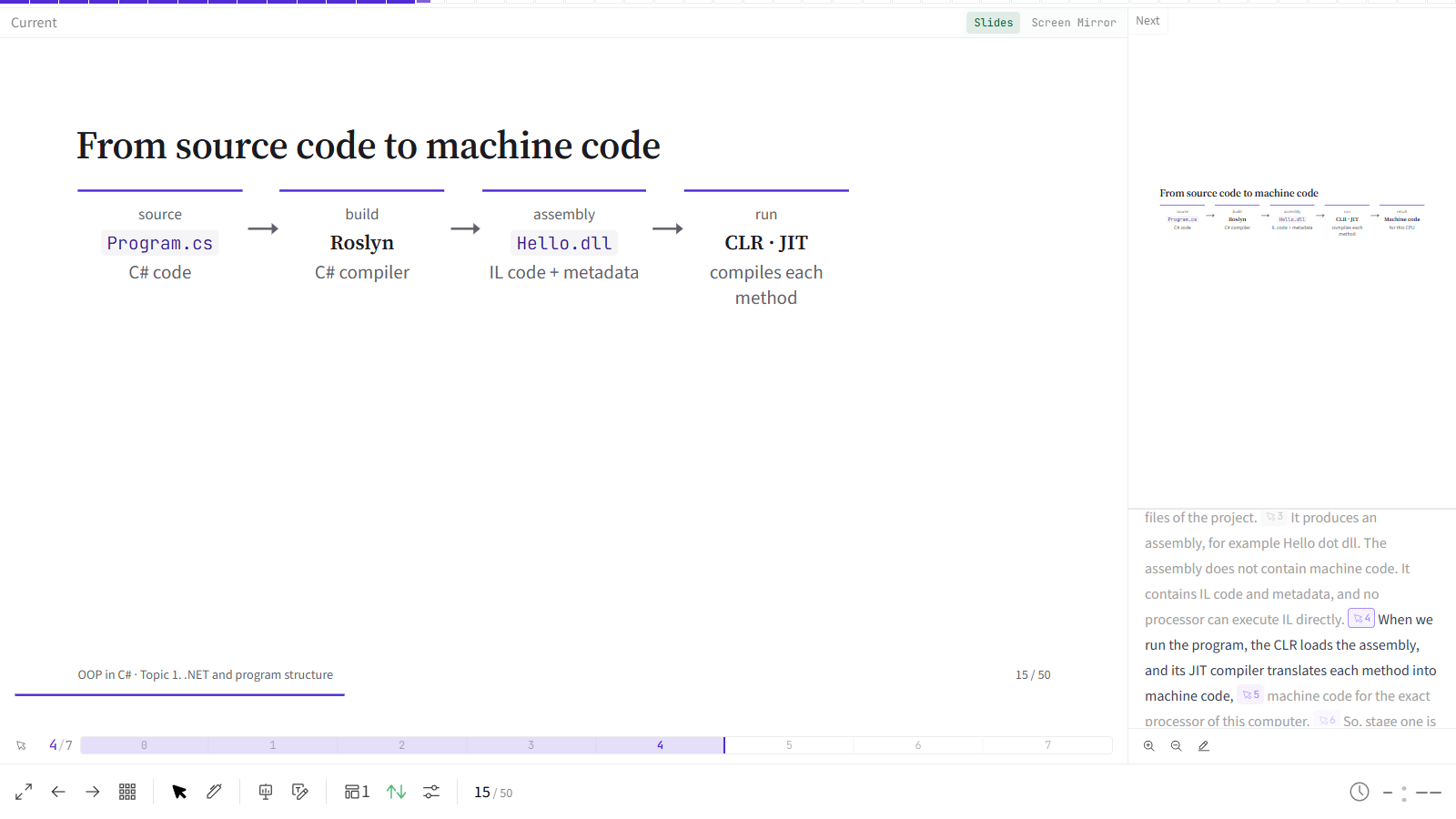
The presenter view: the slide on the left, the next slide and the notes on the right.
So if you missed a lecture, you can go through the deck with the notes and get the same explanation I gave in class. And before an exam the decks are a quick way to review a topic.
Where to find them
Every topic page has a Lecture slides block under the goal, with a link to the deck and another to the speaker notes. On the course page, a small slides icon after each topic opens its deck straight away.
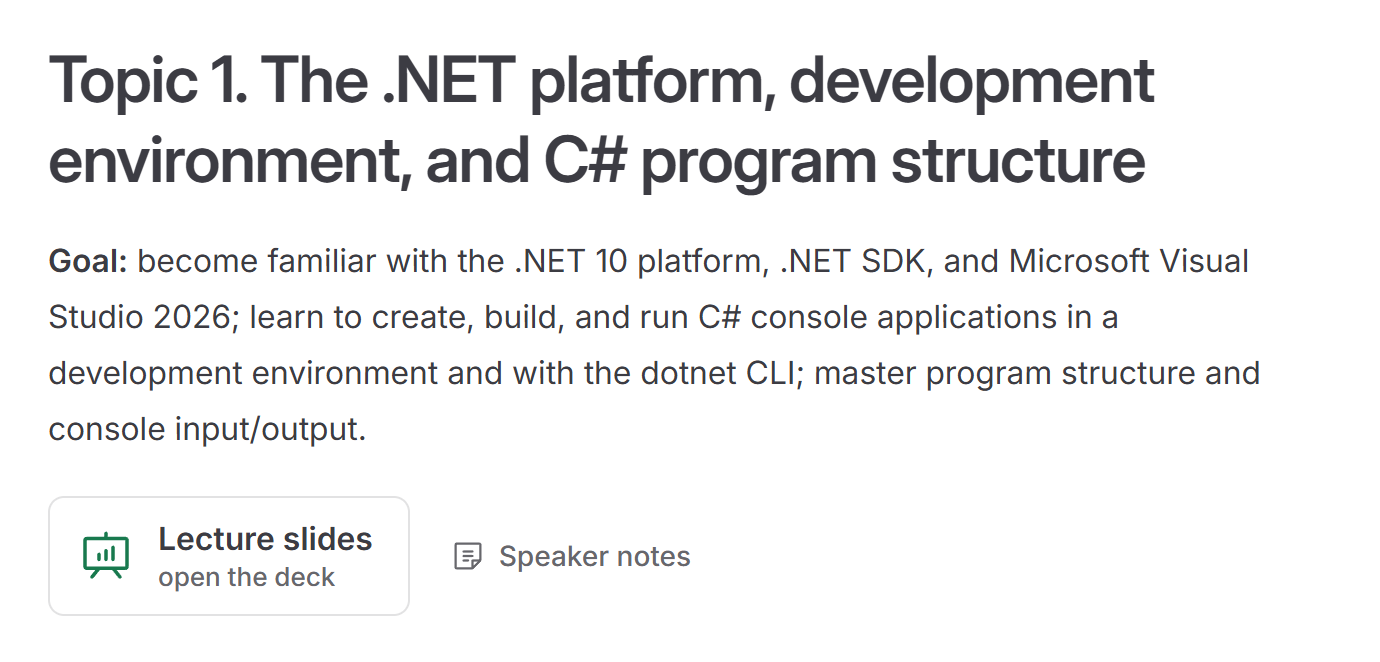
The links to the slides and the speaker notes at the top of a topic page.
A few keys help in a deck: the arrows or Space move forward and back, o shows an overview of all slides, g jumps to a slide by number and f switches to full screen.
The decks are in English in both versions of the site. The slides carry only short phrases, and on the Ukrainian pages next to them everything is explained in Ukrainian.
🎓 Have a look at the first C# lecture and tell me what you think. Decks for the remaining courses are on their way.